Announce the competition
Give followers a first look at the route in a vertical Reel, Story or Short before the Competition begins.
See the social preview →For event organizers & media
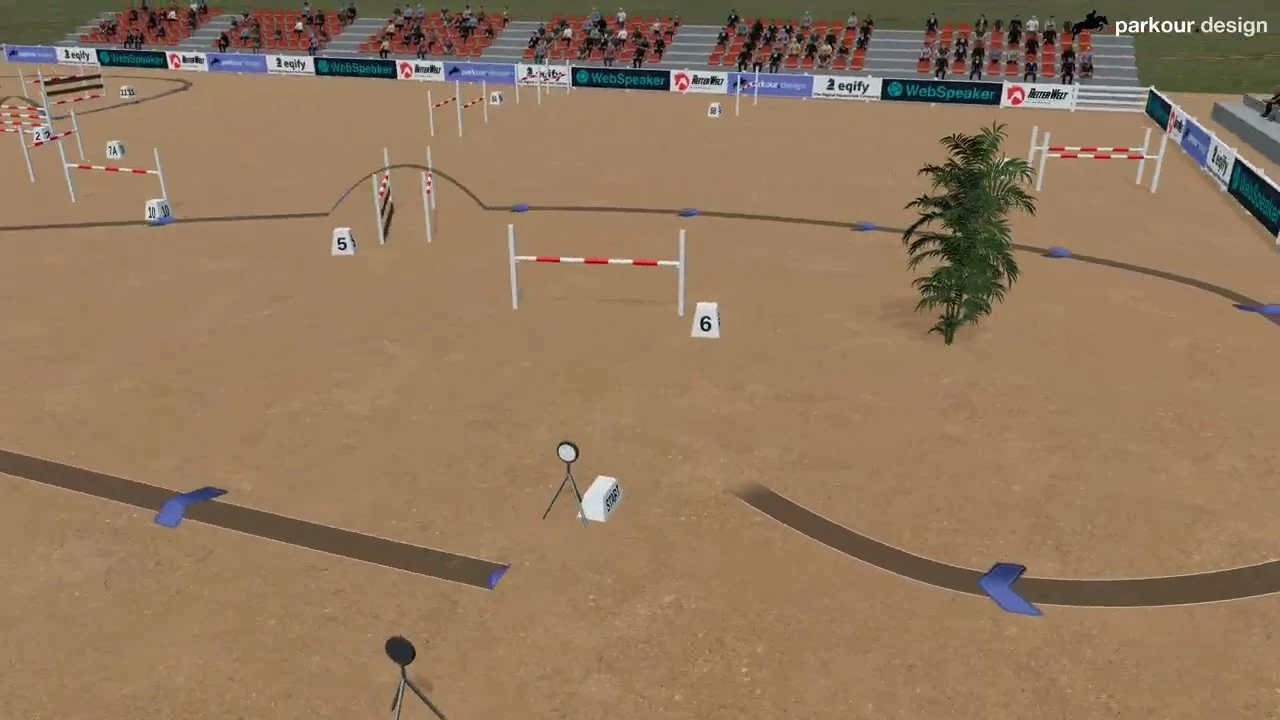
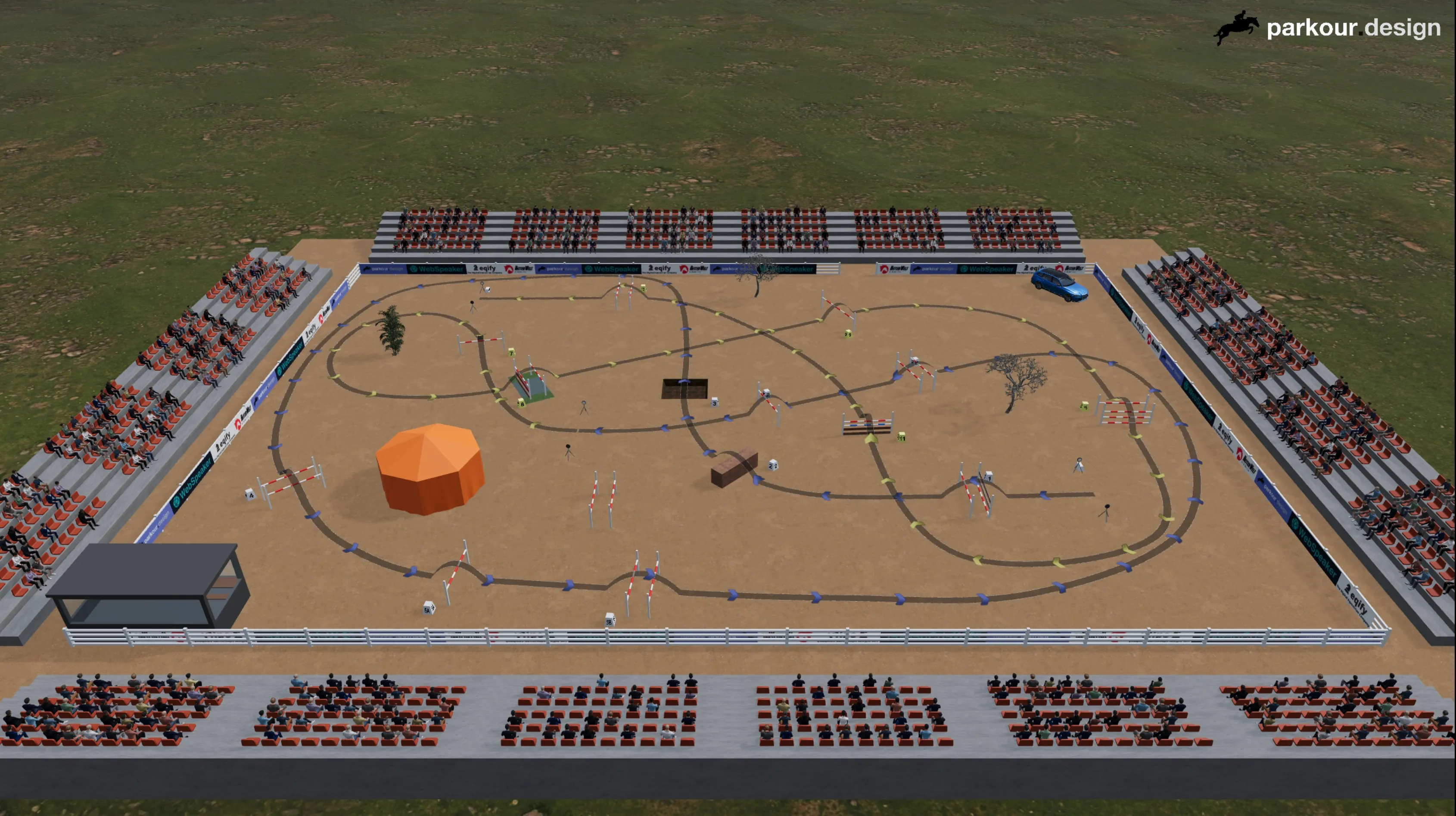
Turn a course design into a 3D video for event coverage, route presentations or social media — for one course or a whole event.
For event organizers, social media teams and editors: start with the material you need to publish, then choose how to create it.
Give followers a first look at the route in a vertical Reel, Story or Short before the Competition begins.
See the social preview →Show the complete course and obstacle order in a landscape presentation for your event channels.
See the route presentation →Prepare a route visual for an editorial report. Agree the approved design and publication rights; titles, commentary and montage may need separate editing.
See how we prepare the video →Compare a landscape course presentation with a portrait preview for social media.
Course presentation · YouTube 16:9
Watch full video on YouTube ↗Social preview · Shorts 9:16
Watch full video on YouTube ↗Option A · We prepare the video
Let us prepare the course videos while you focus on the event. We agree the scope with you and arrange a review of the layout before the final render.
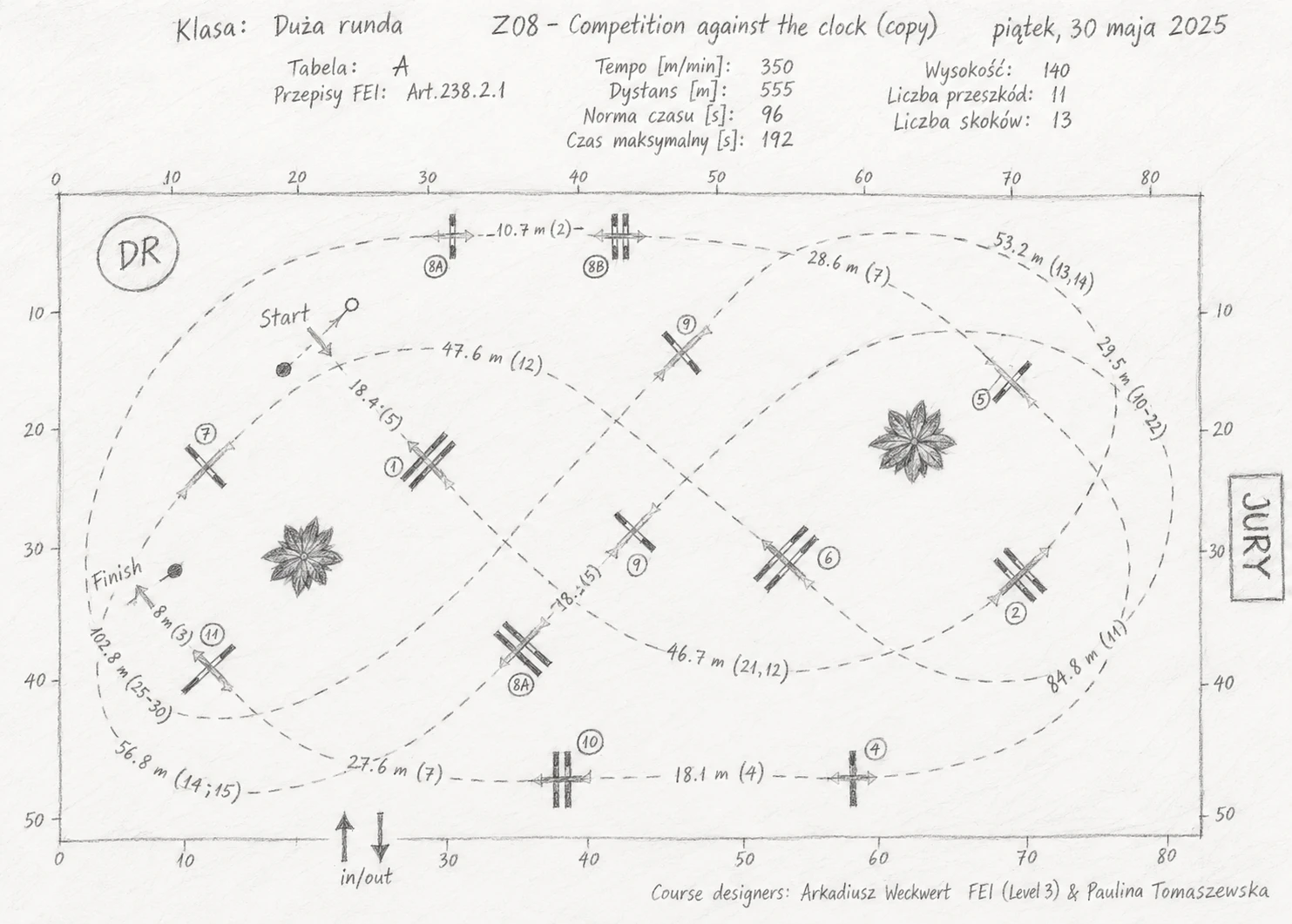
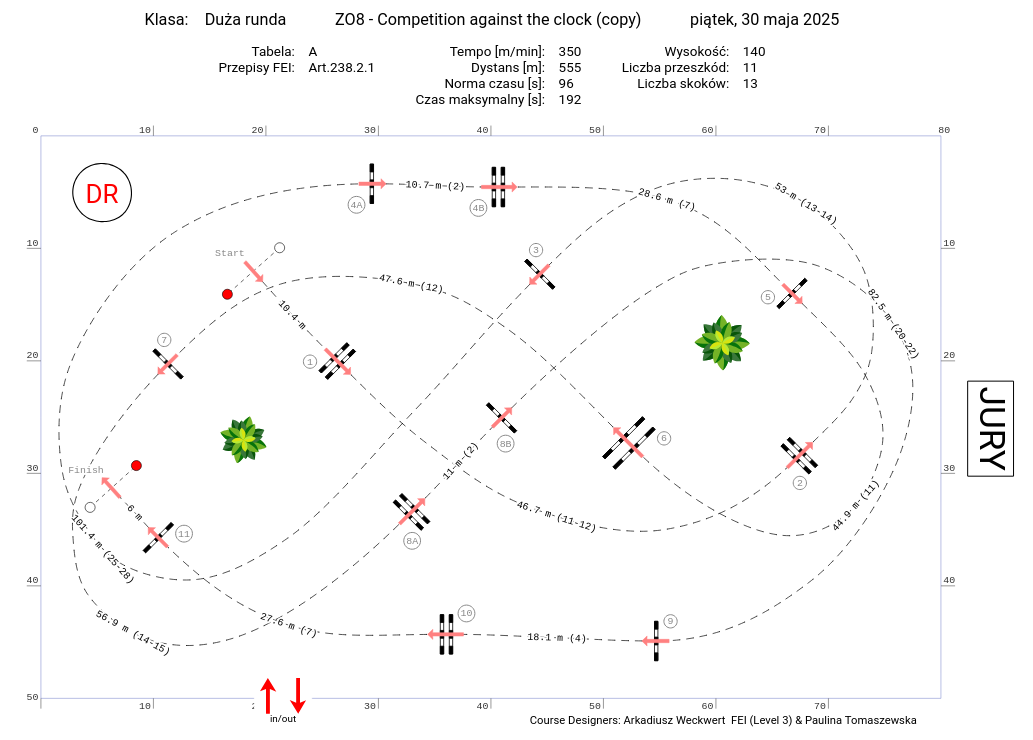
Send one course design or designs for the whole event: share links to a design or Event in parkour.design, PDFs created in parkour.design or another application, or scans or photos of hand-drawn designs.
We clarify missing details and agree the level of reconstruction, formats, timing and publication rights before production. We can also include sponsor artwork on arena fence banners.
Review the recreated route before the final render, then receive the agreed video files. The achievable detail depends on the source material.
Option B · Prepare it yourself
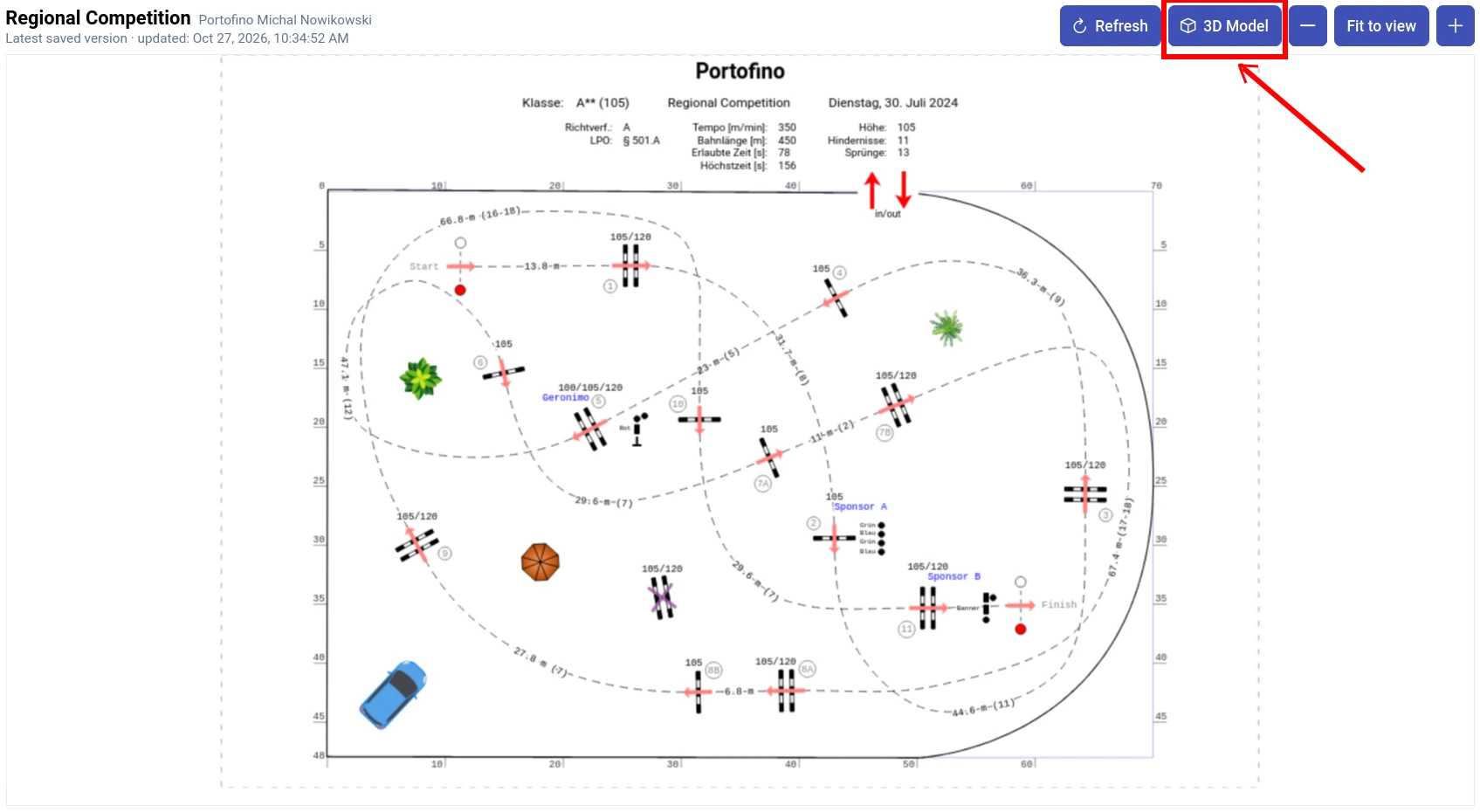
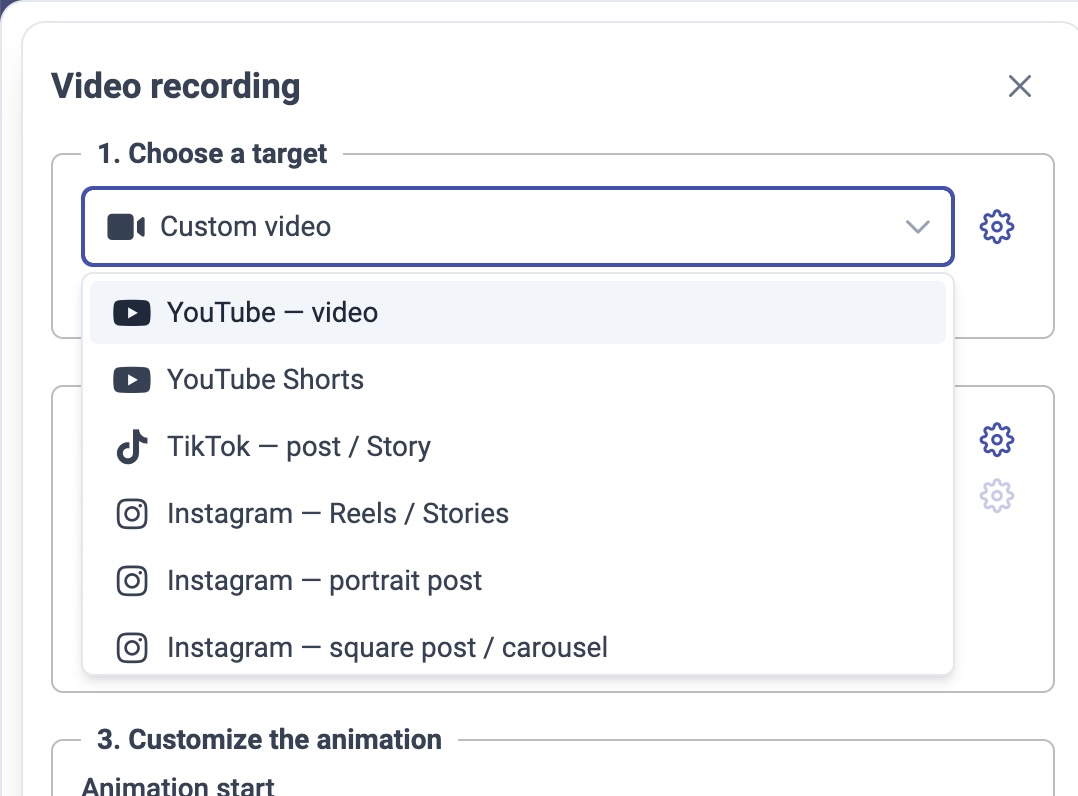
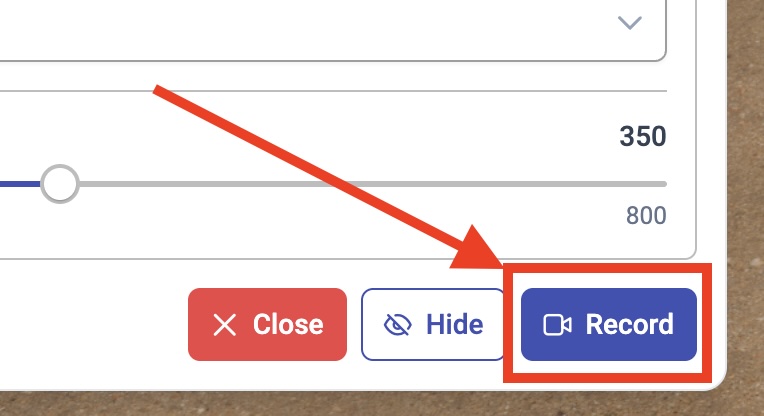
Ask the course designer for a share link with 3D Model enabled. You can open the shared course without signing in, explore it in 3D and record a video on a compatible device. The original design stays unchanged.
Ask us to prepare a course video, or try the app and create it yourself.
No credit card required for the free trial.
Yes. Send a share link to a course design or an entire Event in parkour.design, a PDF from parkour.design or another application, or a scan or photo of a hand-drawn course design. You can commission videos for one course or a whole event. We use existing projects or recreate the supplied designs; this is not automatic PDF- or image-to-video conversion.
You do not need to operate the app when commissioning our team. A shared project can also be viewed without signing in: with 3D Model enabled by the owner, you can explore the course and record a video on a compatible device. You need an account with design-creation access only if you want to save and edit your own copy.
Yes. Ask the course designer to create a share link with 3D Model enabled. Open that link, enter the 3D view and use the video controls. Viewing does not require signing in, and recording does not change the original. Anyone with the link can open it, so agree who may receive it and how the video may be published. The owner can delete the link to stop future access, but that does not remove videos already saved.
The course designs determine what can be recreated. A course design may not show every fence’s appearance or the venue surroundings. Agree the achievable detail and arrange approval with the course designer before the final video. Camera movement illustrates the route, not the predicted movement of an individual horse.
Self-service export supports landscape, portrait and square frames, MP4 or WebM depending on the codec, and up to 4K at 30 or 60 FPS where supported. Available resolutions and codecs depend on the device and browser. The exporter waits for each frame to render and encode, so a slower preview need not lower the exported frame rate; rendering can take longer than playback. For a commissioned video, deliverable formats are agreed in the quotation. See the 3D guide for camera and export settings.
Current app exports include the parkour.design logo and have no audio track. Your own authorized artwork can be shown on arena-fence banners. Additional titles, music, commentary or montage are not automatic export features. For a commissioned video, branding and editing options are agreed as part of the quotation.
Production timing, revisions and handling of late course-design changes are agreed as part of the scope before rendering. If a course design changes after approval, contact us to agree the update and any effect on the delivery date before a new render.
We prepare an individual quotation based on the supplied course designs and the agreed scope. Publication rights and service terms are agreed with the quotation. Only supply course designs and artwork you are authorized to use.
The application runs in a browser and supports touch controls, but compatibility and comfort depend on the device. Older tablets may not have enough memory. For 3D we recommend a desktop or laptop: mobile devices may run slowly, become hot or close the browser tab. A keyboard and mouse provide the full navigation and camera-capture workflow.
Use the built-in chat or contact us by email. Describe what you were trying to do and include your browser, device and a screenshot if relevant.