#1
Easier jump-offs, PDF arena templates and fixes - Release 1904
Release 1900 makes jump-off setup simpler, adds PDF arena template import, improves Start and Finish objects, and fixes several user-facing issues.
release printing
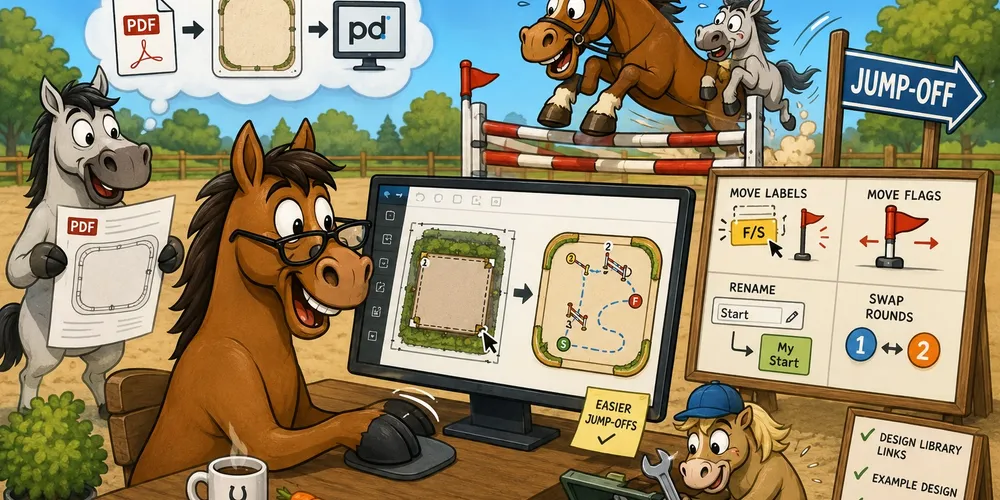
Training materials and course design exercises are often shared as PDF files. These files usually contain the arena layout that you need to use as a starting point before adding obstacles and building the course.

The same Start and Finish object can now be used in more than one round, including the primary round and jump-offs. Previously, each round needed its own separate Start and Finish. Now you can connect these objects to another round in the same way as regular obstacles.

Finish/Start (F/S) now has movable flags, also used for photocells, just like Start and Finish.
Labels for Start, Finish and Finish/Start can now be moved. Select the label and drag it to a clearer position on the arena.

You can rename Start, Finish and Finish/Start objects. Select the object and set the custom name in the object panel.
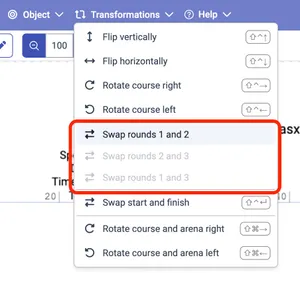
The commands for swapping rounds were moved from the Start object panel to the Transformations menu, where they are easier to find together with other course-level actions.