Major features
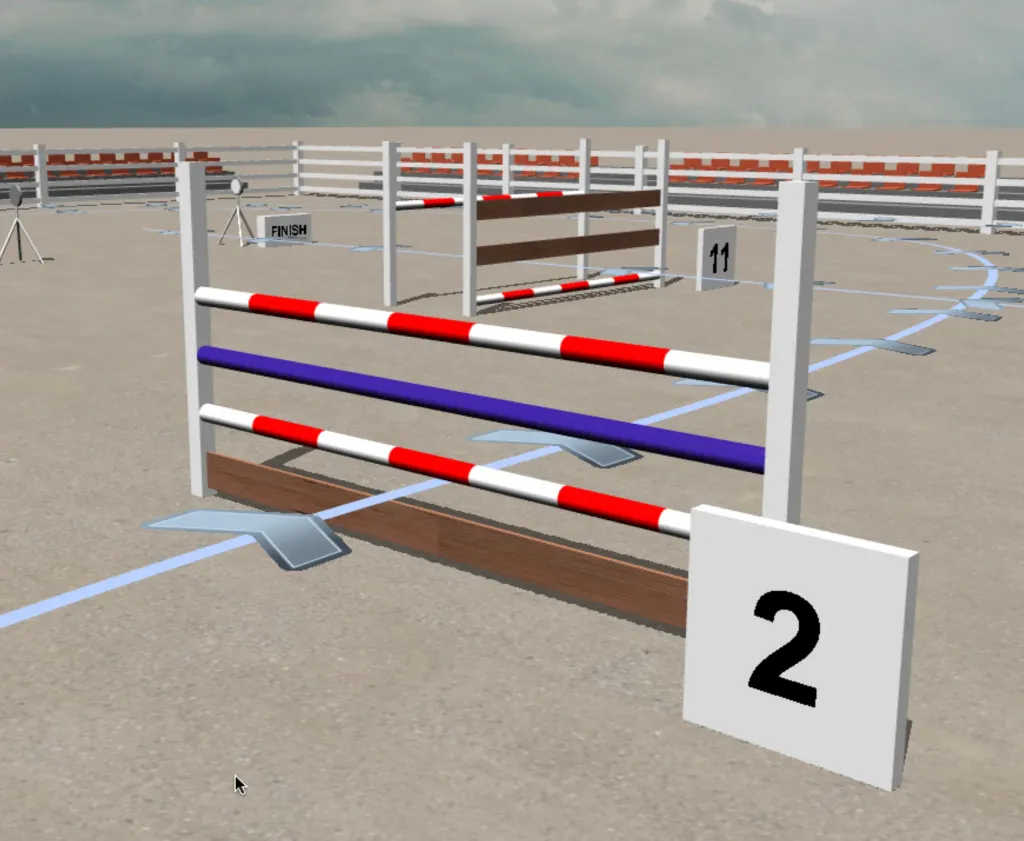
- We added 3D visualization of your courses! Check out the guide page for details.
Improvements
Ability to color materials
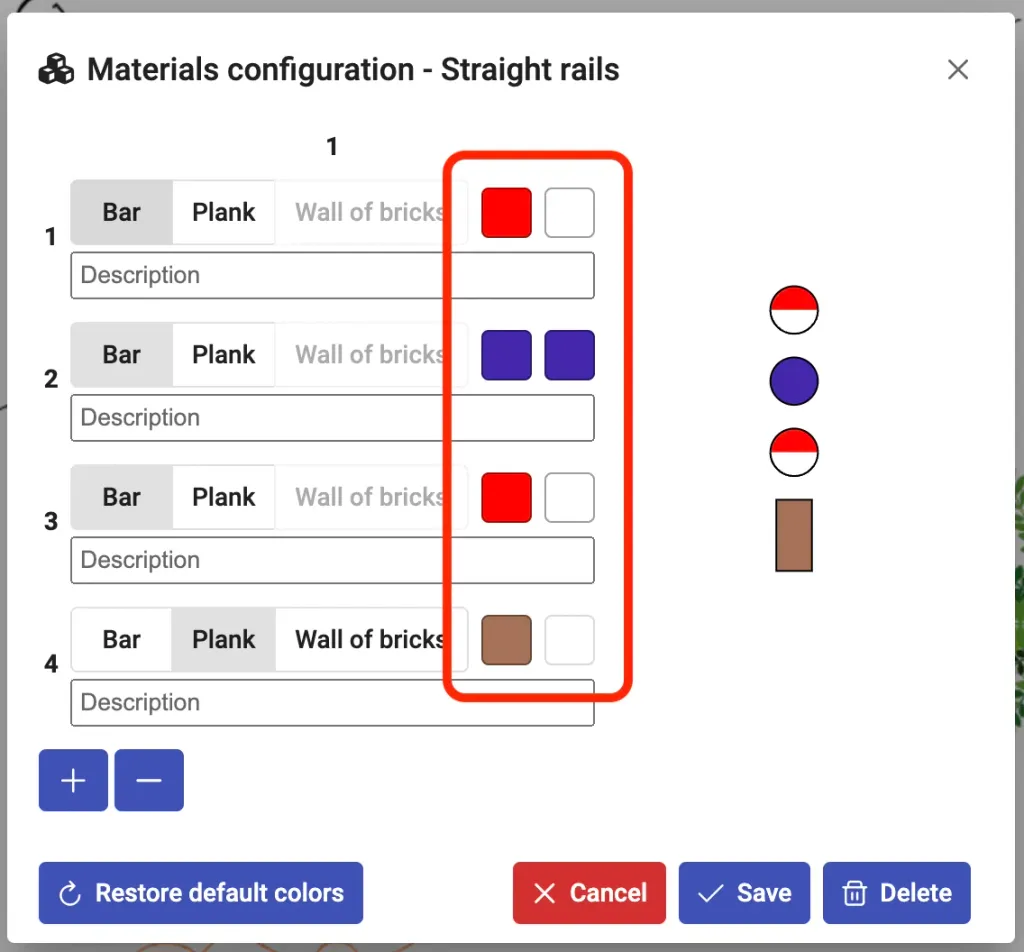
In the material editor, it is possible to define colors for each bar, plank or wall.
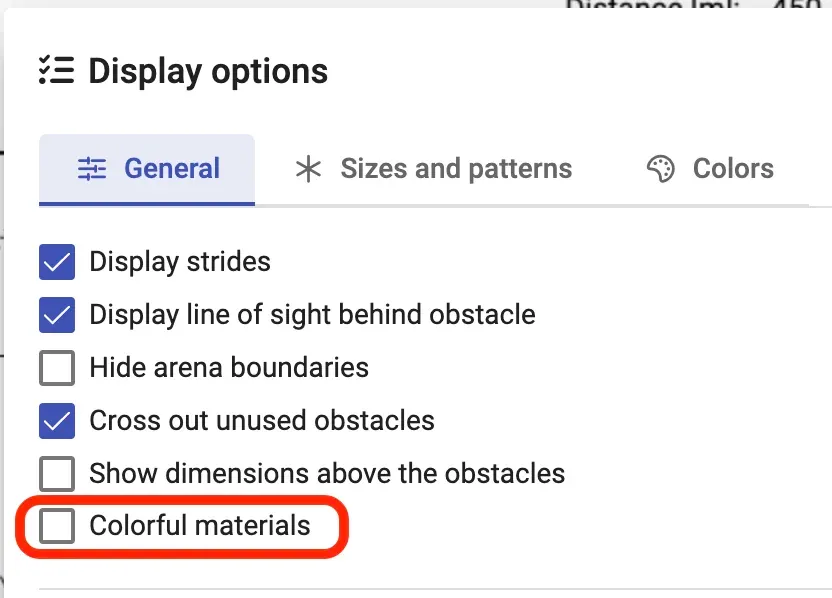
To display the colors in the design and PDF, enable the Colorful materials option in the Display options.
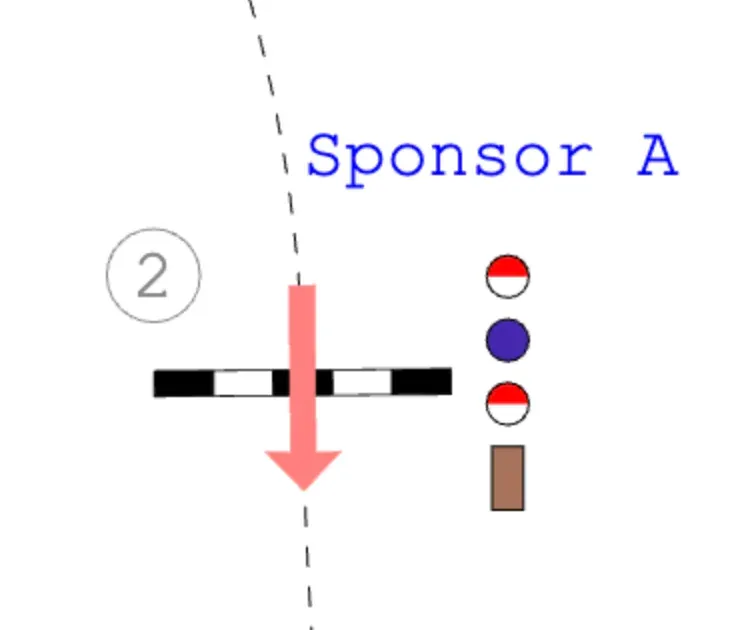
Colors will always be visible in the 3D visualization.
Ability to delete user images from the images list in the editor
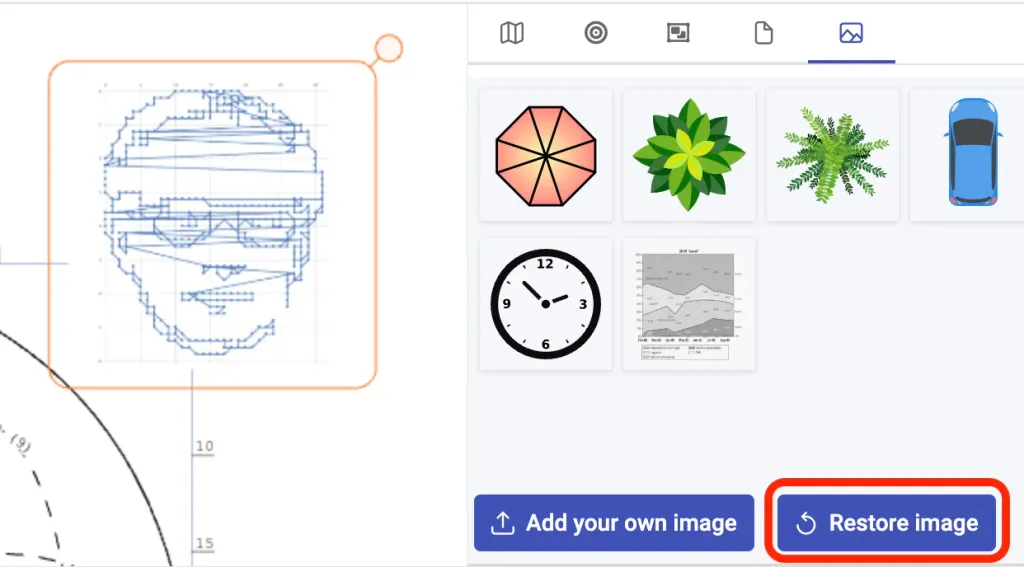
A new button in the image panel of the design editor allows to remove the uploaded images from the list.
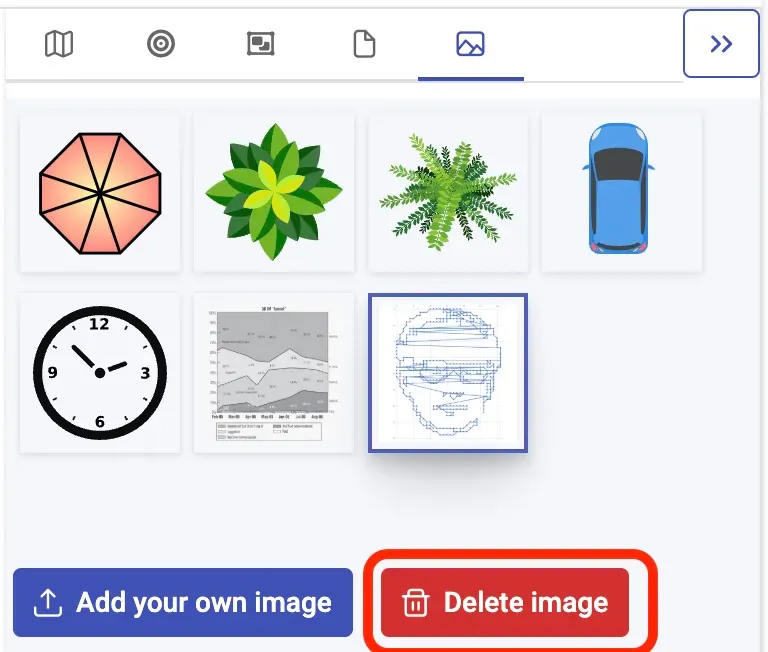
The images won’t be removed from your designs, if they are used in any. If you open a design, which contains an image that was removed from your image list, you can still restore it in your list. Select the image in the design and click Restore button.