Major features
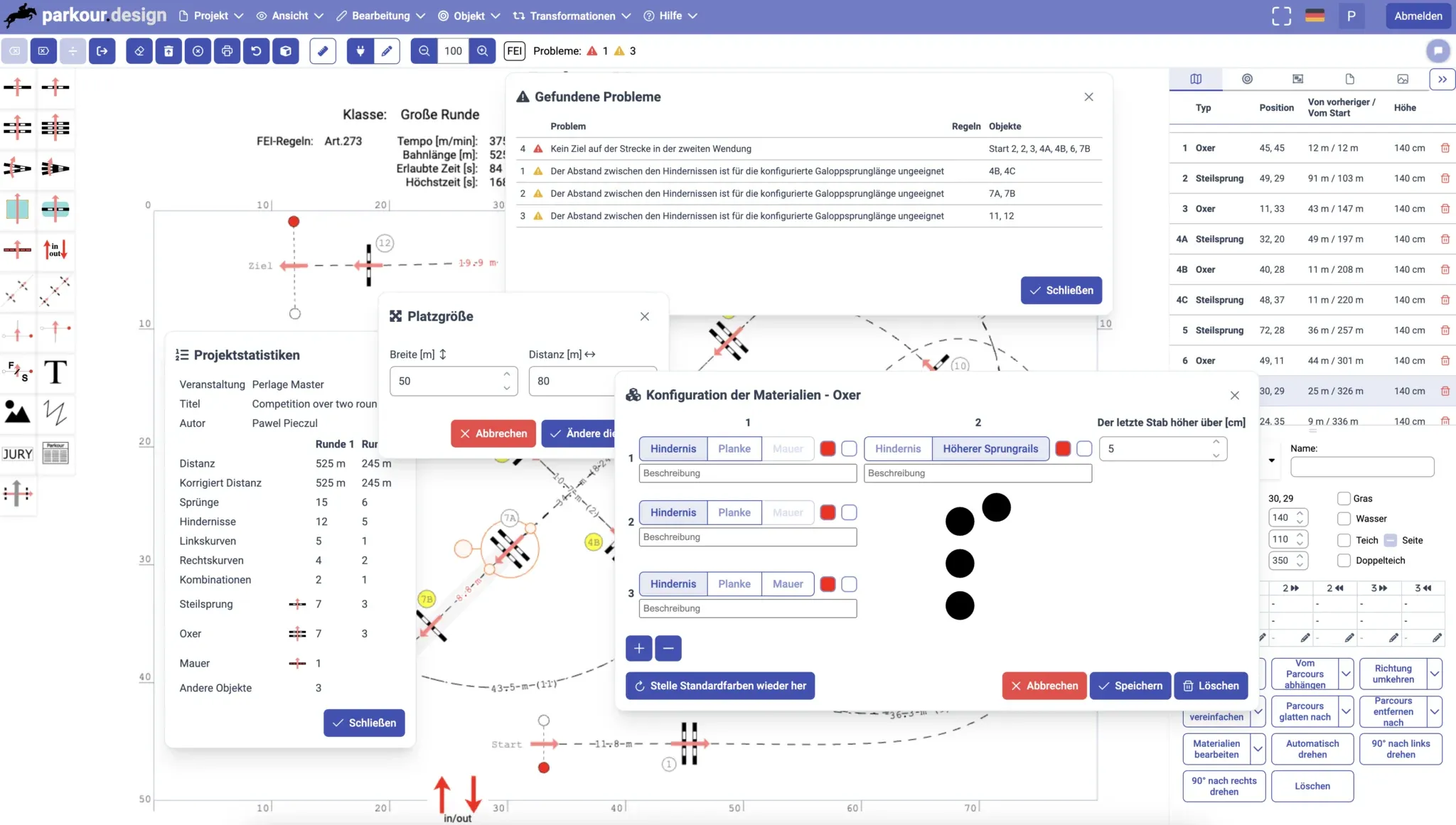
Support for German in the application
The application was translated to German. Since now we support
English, German, French, Spanish and Polish.
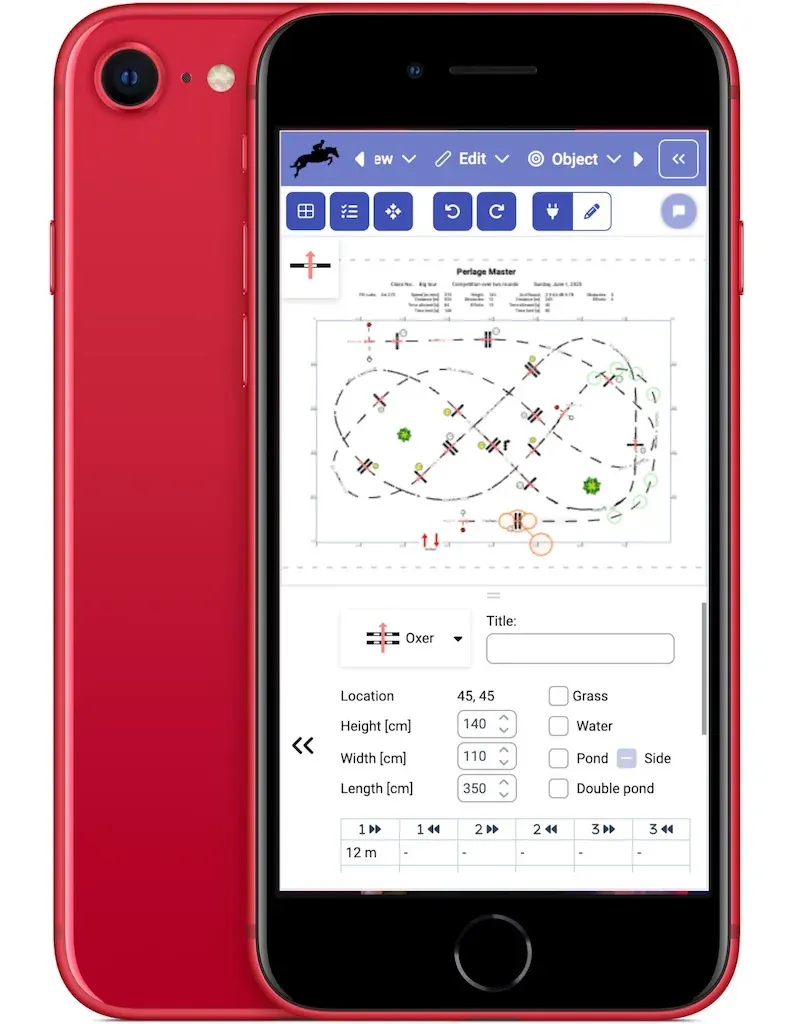
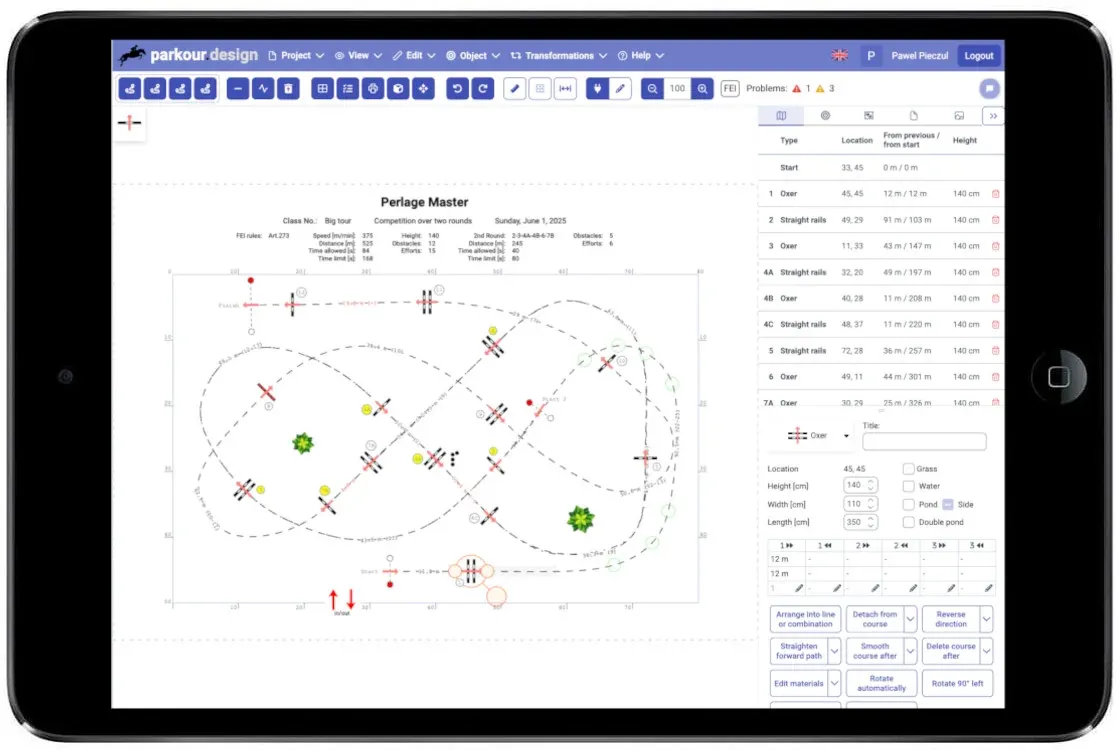
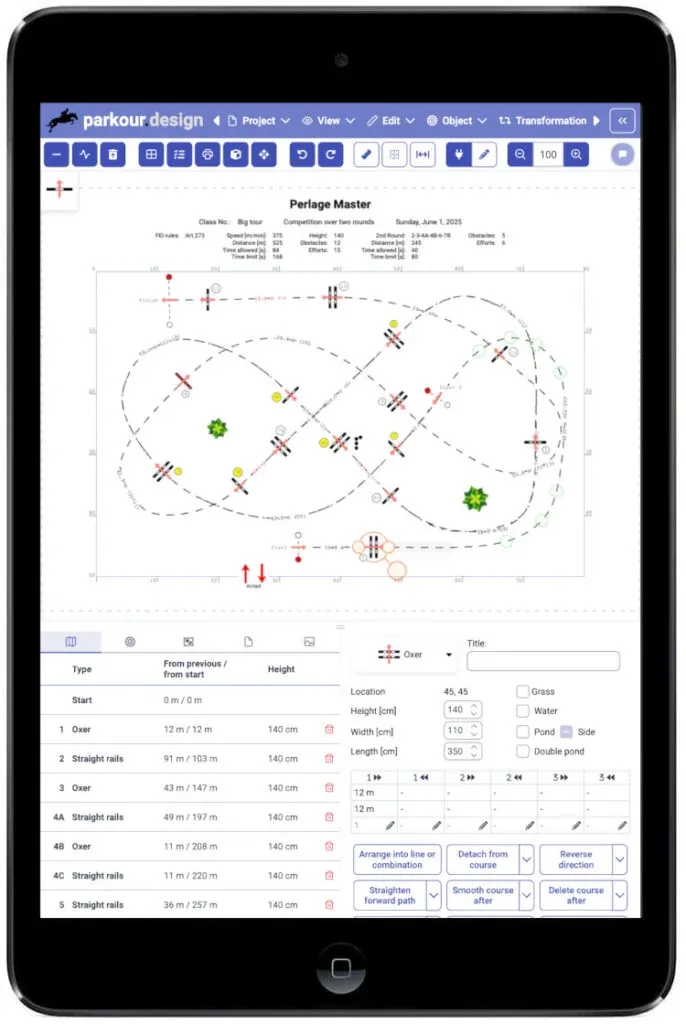
Support for tablets and phones
Until now, the application required a desktop or notebook computer
with keyboard and mouse. Now it will also work on tablet and phone
devices with touchscreens.
You can prepare your design on laptop in the office or at home and
easily use it on tablet or phone on the arena. Editing is also
supported, although might be a bit difficult on devices with small
screens.
Improvements
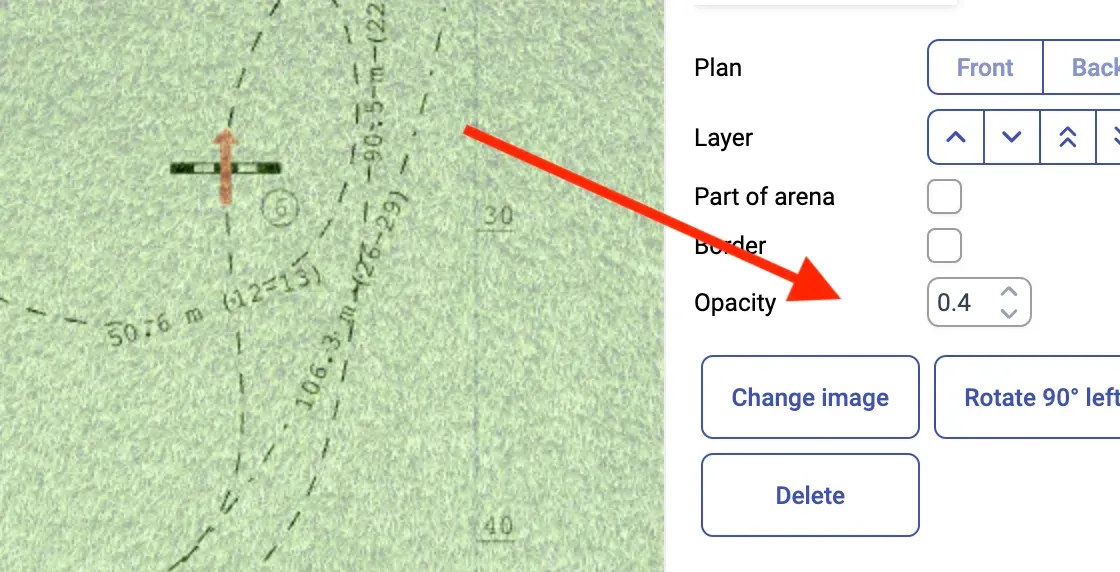
Transparency of images
Added opacity to user images. This enables effective manual
import/copy of courses designed outside of parkour.design, as in the
following guide: Importing a design.
Fine-grained movement of objects with cursor keys
Hold Alt key pressed while moving selected objects with cursor
keys to move them with fine precision.
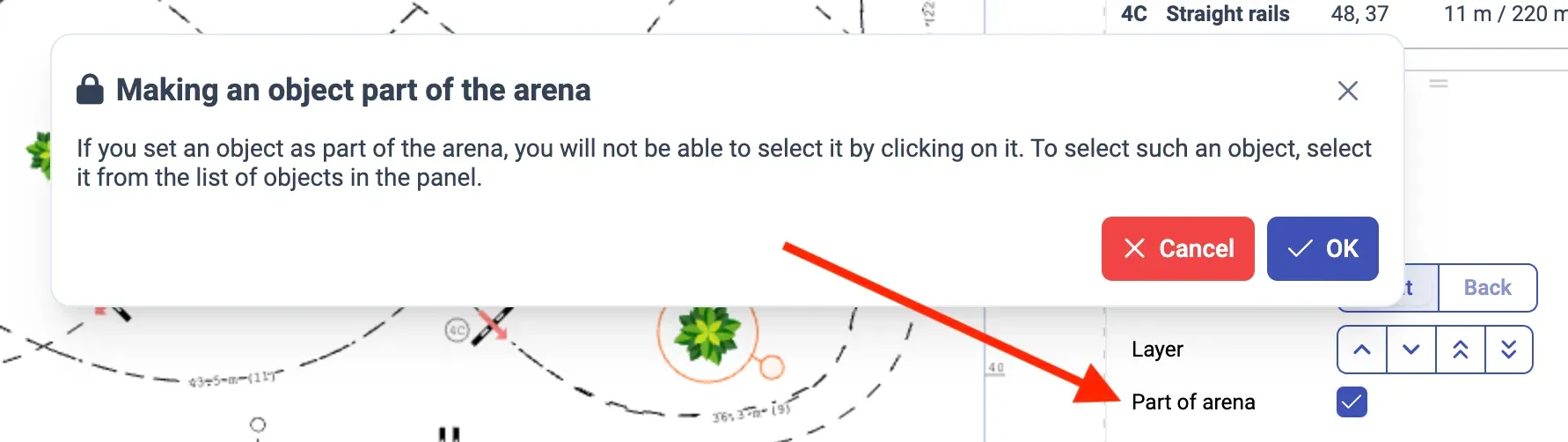
Making objects part of the arena
Images, texts, curves and other objects have a checkbox Part of arena,
which locks these objects in place. Since that was causing troubles
interfering with editing nearby course, now it will be not possible to
select such object by clicking on it.
To select and modify an object, that was made part of the arena, you
need to open Objects tab in the side panel and select the object from
the list of objects.
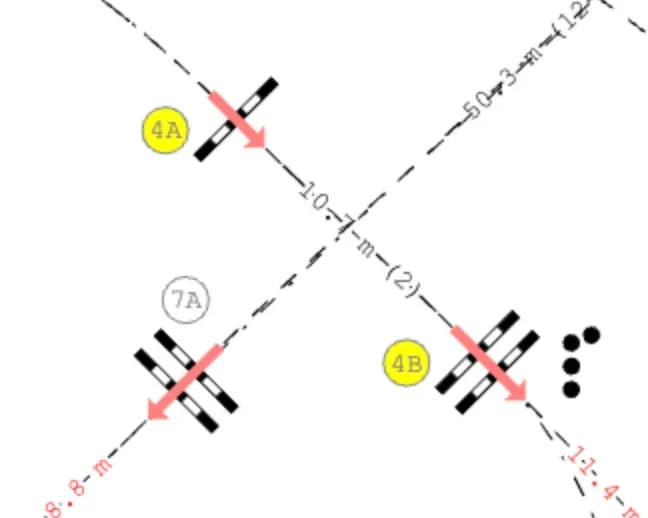
Proper colours of labels for obstacles reused in multiple rounds
For obstacles that are jumped in multiple rounds, while they keep and
reuse their original number from the primary round in all rounds, the
colour of the label will be set to the last round in which this
obstacle is jumped.
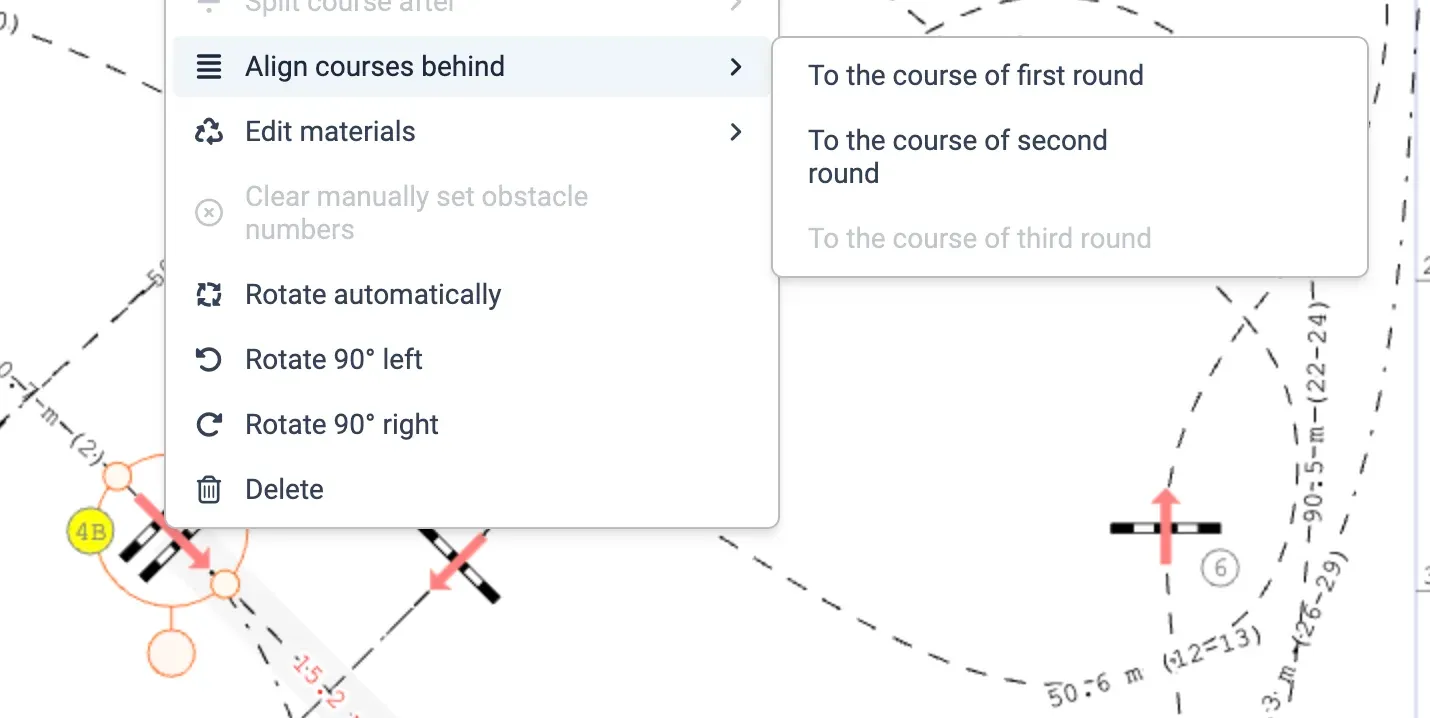
Alignment of multiple round courses from an obstacle
Added a command to equalise the courses of multiple rounds behind the
selected obstacle. This will make their curves look exactly like in
the indicated round.